

In 2020 I wrote about my blogging setup with Emacs, Org mode, ox-hugo, Hugo, GitLab and Netlify. Much of that setup is still here: I still write my articles in Emacs and export them with ox-hugo, while Hugo and Netlify turn files into a website.
Still, you may have noticed that I barely posted anything since then! The biggest issue was friction: I wanted to make it easier to publish something small: a useful link, a few photos, or a note that did not need to become a full article. Opening my laptop and going through the whole writing, export and push routine was often enough friction for me to put it off.
For this reason, over the last few weeks I have added a few more ways to get content into the site. This post is an overview of the current setup, with links to the more focused articles (some of them not published yet) about specific aspects. My website’s repository contains the complete setup; its documentation directory is where I keep maintenance details.
Overview#
My new setup makes it possible to combine multiple sources of content into a single website, using consistent formats and tooling, as shown in this diagram. The next sections go into more detail about its different paths.
---
config:
  theme: base
  themeVariables:
    primaryTextColor: "#DCE7F5"
    primaryColor: "#26374D"
    primaryBorderColor: "#6599D4"
    lineColor: "#94A8BF"
    edgeLabelBackground: "#26374D"
    clusterBkg: "#26374D"
    clusterBorder: "#607C9B"
    tertiaryColor: "#26374D"
    fontSize: "16px"
  flowchart:
    htmlLabels: false
    curve: basis
    nodeSpacing: 40
    rankSpacing: 55
---
flowchart TB
    subgraph sources["CONTENT SOURCES"]
        direction LR
        org["🦄️ Org mode"]
        cms["📝 Pages CMS"]
        ios["📱 iOS Shortcuts"]
        cv["📄 JSON Resume"]
    end

git["🐙 GitHub Repo"]
hugo["🐡️ Hugo +
Blowfish"]
netlify["☁️ Netlify"]
site["🌐 zzamboni.org"]

org -->|"ox-hugo"| git
cms --> git
ios -->|"Netlify Functions"| git
cv -->|"resume-toolkit"| git

git --> hugo
hugo --> netlify
netlify --> site

classDef source fill:#EAF3FF,stroke:#6699D0,color:#1D426B,stroke-width:1.5px
classDef repository fill:#F0EAFF,stroke:#9370D2,color:#493080,stroke-width:2px
classDef build fill:#E7F5F0,stroke:#55A58B,color:#205D4C,stroke-width:2px
classDef deploy fill:#FFF2E3,stroke:#E5A45A,color:#805020,stroke-width:2px
classDef website fill:#E7F0FF,stroke:#417ED4,color:#174782,stroke-width:2.5px

class org,cms,ios,cv source
class git repository
class hugo build
class netlify deploy
class site website

style sources fill:transparent,stroke:#A9B9CA,stroke-dasharray:4 4,color:#DCE7F5
Org mode for long-form writing#
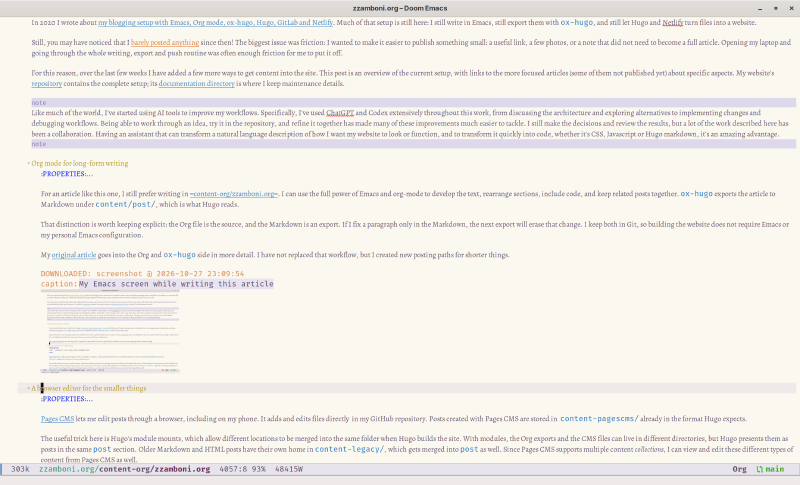
For an article like this one, I still prefer writing in content-org/zzamboni.org. I can use the full power of Emacs and Org mode to develop the text, rearrange sections, include code, and keep related posts together. ox-hugo exports the article to Markdown under content/post/, which is what Hugo reads.
That distinction is worth keeping explicit: the Org file is the source, and the Markdown is an export. If I fix a paragraph only in the Markdown, the next export will erase that change. I keep both in Git, so building the website does not require Emacs or my personal Emacs configuration.
My original article goes into the Org and ox-hugo side in more detail. I have not replaced that workflow, but I created new posting paths for shorter things.
A browser editor for the smaller things#
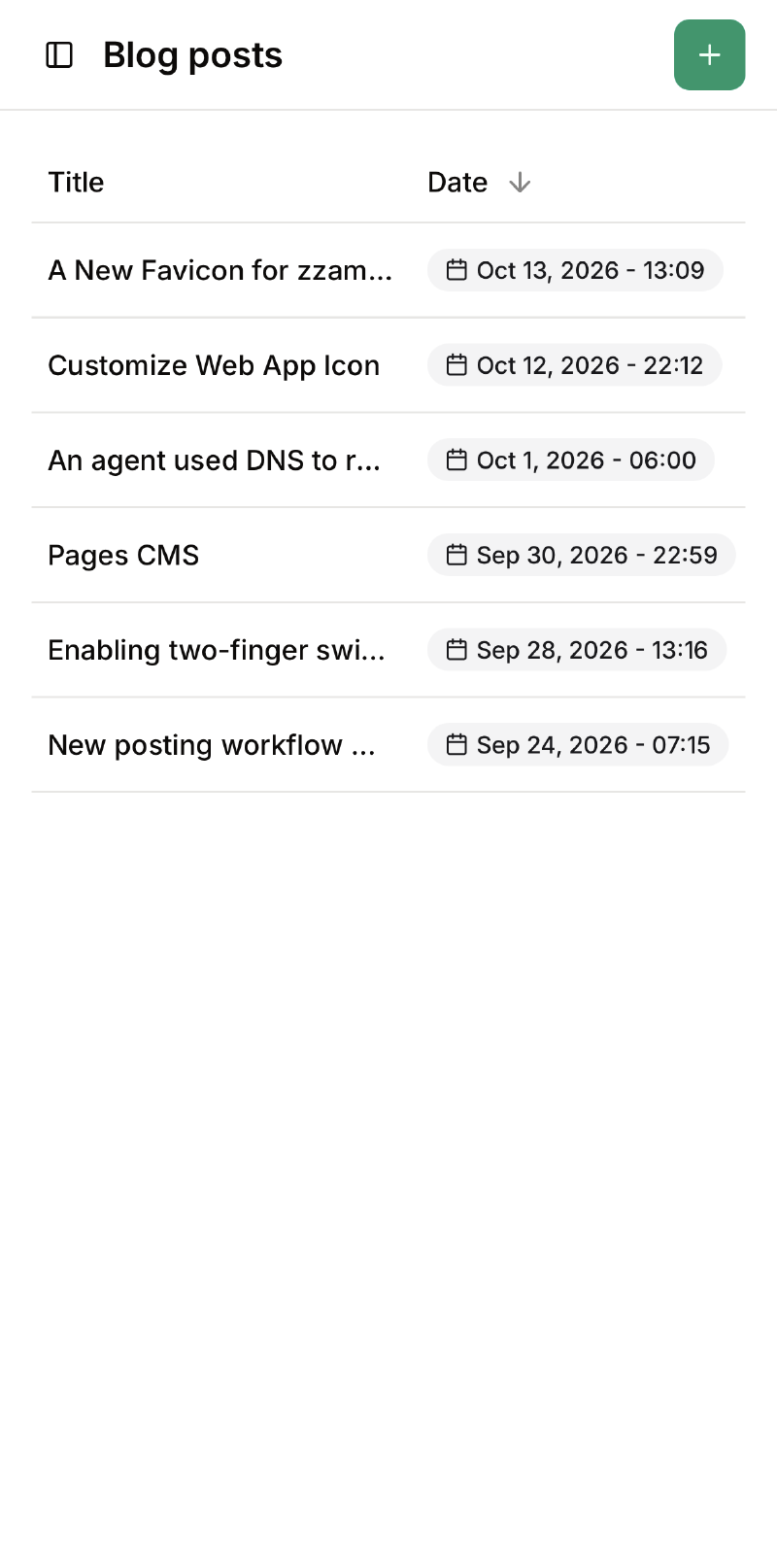
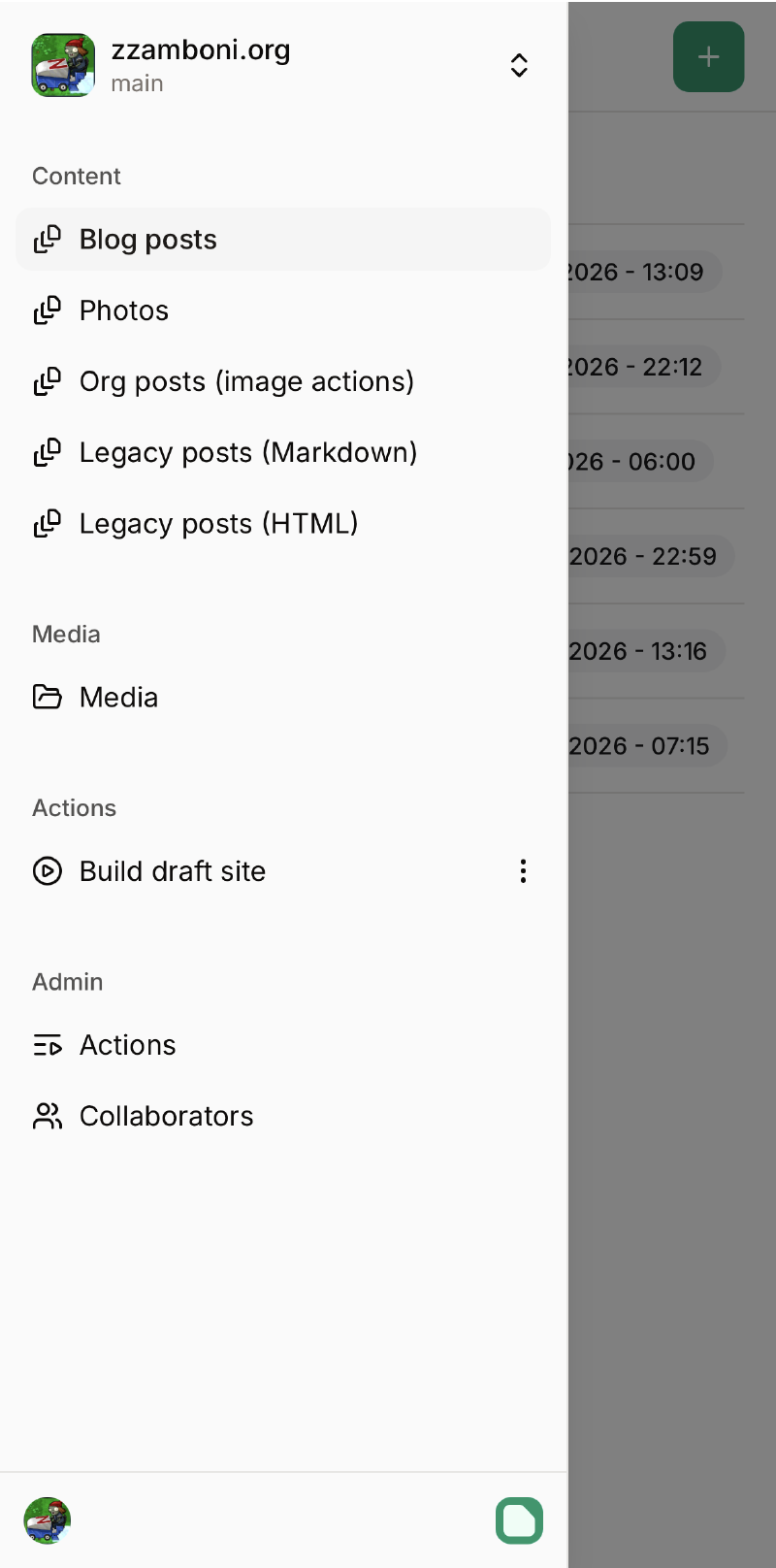
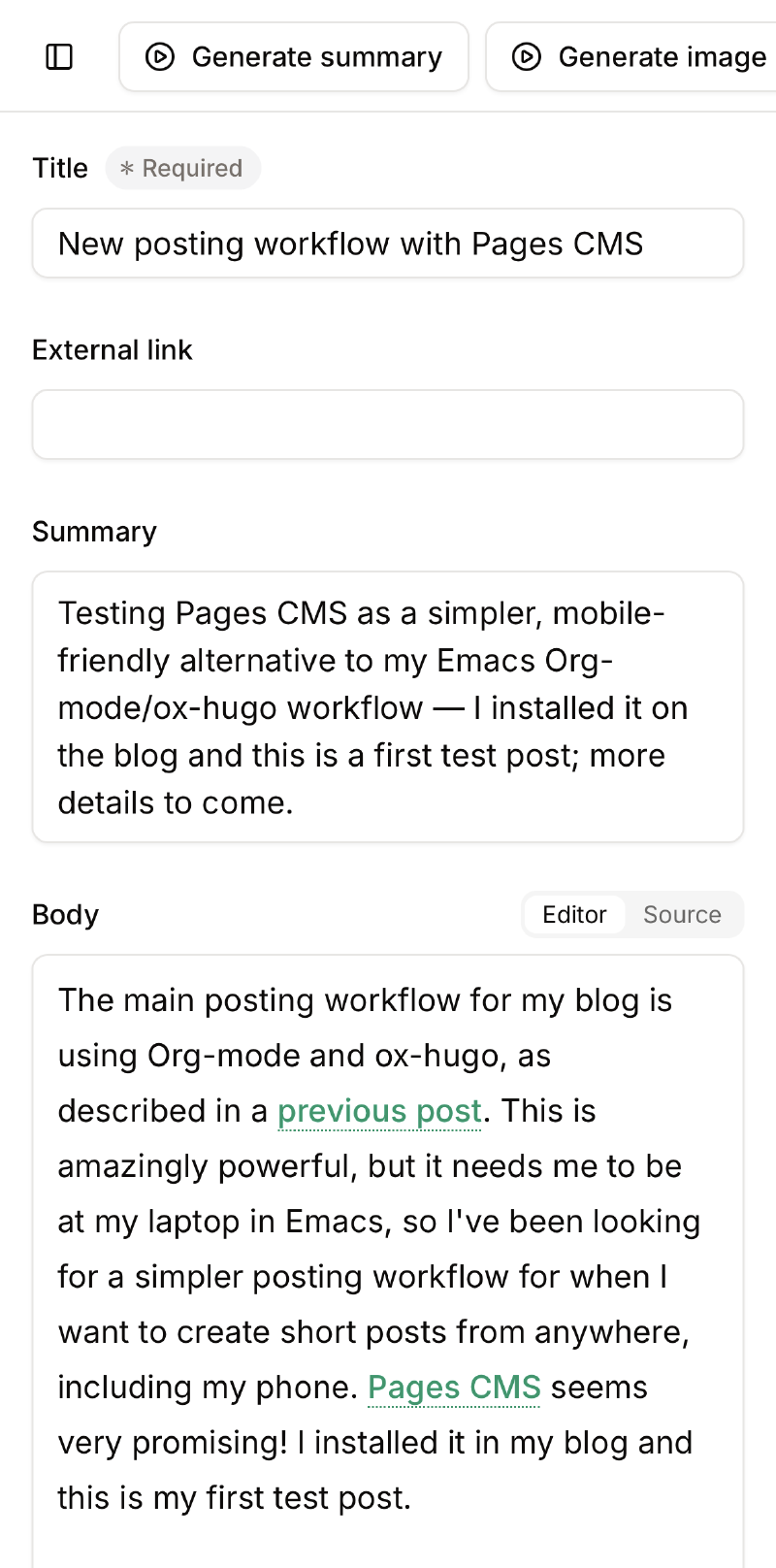
This whole thing started by asking myself how to reduce friction for posting. I have found Pages CMS is perfect for this: it lets me edit posts through a browser, including on my phone. It adds and edits files directly in my GitHub repository. Posts created with Pages CMS are stored in content-pagescms/ already in the format Hugo expects.
The key trick here is Hugo’s module mounts, which allow different locations to be merged into the same folder when Hugo builds the site. With modules, the Org exports and the CMS files can live in different directories (which simplifies their management through different tools), but Hugo presents them as posts in the same section.
I described the arrangement in Using Pages CMS alongside Org mode and Hugo. It’s also worth mentioning the timezone problem I ran into due to a bug in Pages CMS’s handling of timezone conversions.
Links and photos from the Share Sheet#
For links and photos, I wanted an even simpler workflow. These are things I’m likely to share while using my phone, so minimizing friction is particularly important. For this I developed a couple of specialized iOS Shortcuts paired with corresponding server-side functionality (in the form of Netlify Functions) that collect the shared URL or images, ask for a little context, and create the files in GitHub.
Post Link
Get ShortcutPost Photos
Get ShortcutBoth links and photos end up in the same Hugo content model, but I give them different presentations: compact entries for links, and galleries with a lightbox for photos. I configured my homepage with a separate recent-photo column, and I’ve created a separate Photos link in the top menu, separate from the Blog listing and Archive.
The screenshots below show the complete process, from sharing a photo or link on my iPhone to seeing the resulting post on my website.
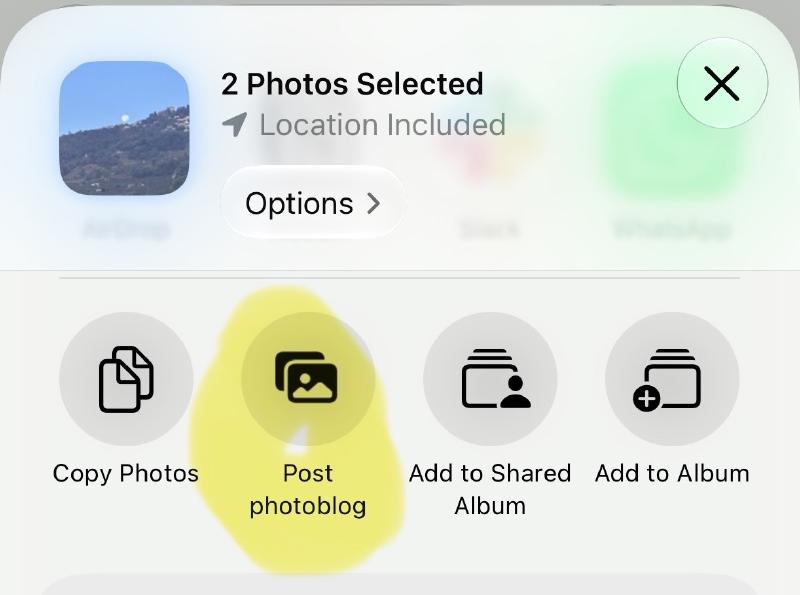
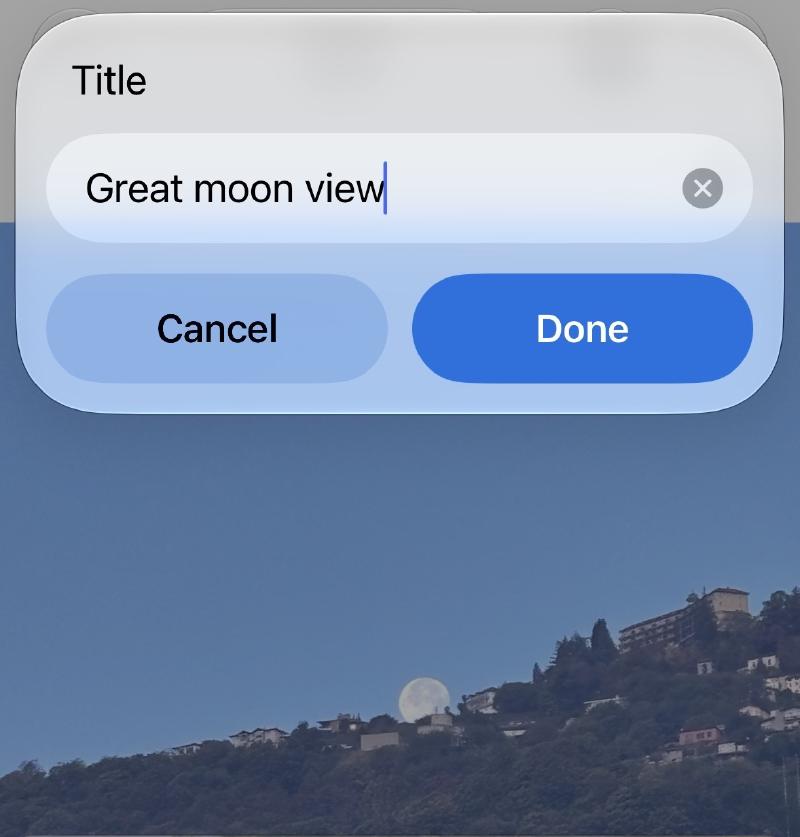
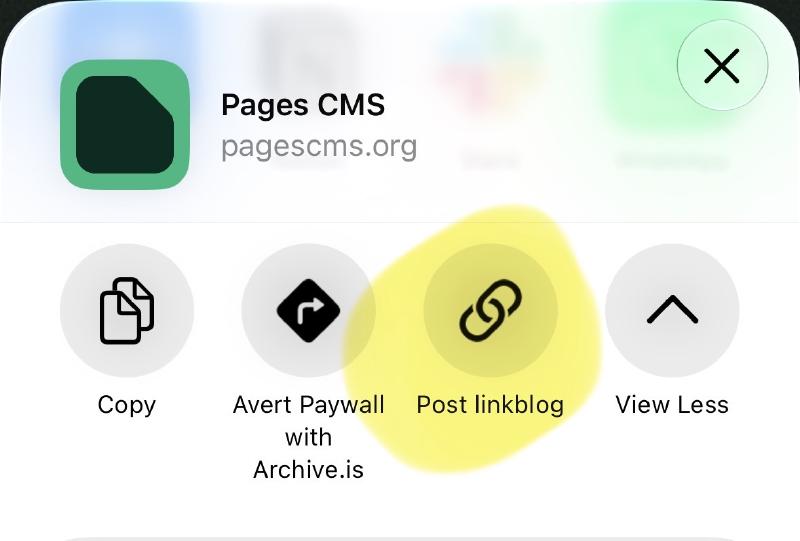
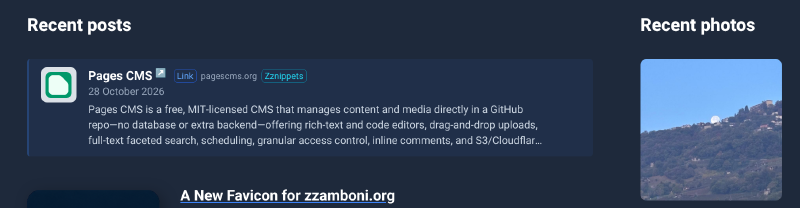
Both shortcuts default to creating drafts, but this can be configured. My upcoming post Posting links and photos from my phone with Netlify and iOS Shortcuts walks through the functions, the Shortcuts, and how the pieces fit together.
A specialized source for my CV#
My Curriculum Vitae is another kind of content, with its own specialized source format: JSON Resume (I wrote about its transformation at Porting my CV from Org+LaTeX to JSON Resume). I keep my experience, education, projects, and other CV information as structured data, alongside BibTeX sources for my publications. That lets me reuse the information across my website and downloadable documents without maintaining each version by hand.
My own resume-toolkit produces the PDF documents and normalized publication data, and my hugo-jsonresume Hugo module renders the data as native Hugo pages. The CV and publications share the site’s navigation and styling, while PDF and BibTeX downloads remain available. It is another entry point into the same website, alongside Org mode, Pages CMS, and the phone Shortcuts.
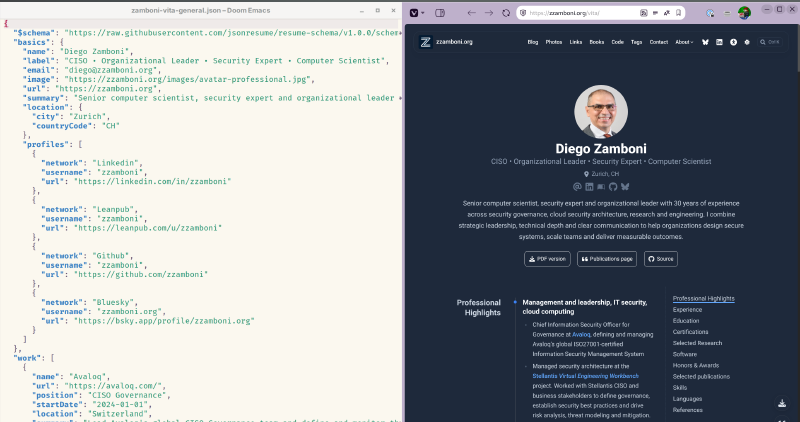
I’ll describe this in more detail in the forthcoming article Bringing my JSON Resume CV home to Hugo.
One repository, a few places to preview#
I keep real content, including drafts, on the main branch of my source repository. I use the staging branch for experiments with templates, configuration, and tooling.
Netlify gives me separate production, draft, and staging sites. Production builds main without drafts. The draft site builds the same branch with drafts included, when I request a refresh. Staging lets me try site changes before bringing them to main, and is also built upon request.
Locally I use mise to select the repository’s Hugo and Go versions. My usual preview commands are:
mise run serve
mise run serve-drafts
I’ve also become more deliberate about triggering Netlify builds. I am lucky to be on a Netlify free legacy plan which includes a very generous 300 build minutes per month, but I’m still able to exhaust them with all my tinkering 😄 Documentation edits and many draft-only changes do not need a production deployment, and caching Hugo’s generated resources saves repeated image work. I grouped those decisions in the upcoming article Drafts, previews, and fewer Netlify builds.
Small bits of automation#
GitHub Actions handles some of the finishing work:
- For Pages CMS posts, an enrichment workflow fills missing summaries and caches favicons for linked sites.
- I also built some automation for AI-powered generation of feature images. I request an image, the workflow proposes it in a pull request, and I decide whether to use it. I am still wary of illustrations that look too obviously AI-generated, so having a review step matters more to me than having a completely automatic process.
The upcoming Automating blog housekeeping with GitHub Actions describes those boundaries, including image refinement and the usage report that helps me keep track of API spending.
Outcomes and what comes next#
There are certainly more moving parts here than in the 2020 version. The payoff is that I can choose a writing path that matches the thing I want to publish, while the result still belongs to the same website and Git continues to be the source of truth for everything.
For a long article, I open Emacs. For a short note, I open Pages CMS. For a link or photo, I use the Share Sheet. Then I can review, edit, and publish when I am ready. That is the part I wanted to make easier. Now I just have to remember to spend some of the time writing instead of improving the tools!